Dashboard
You should have signed into your Asterquanta account to access the Dashboard Page
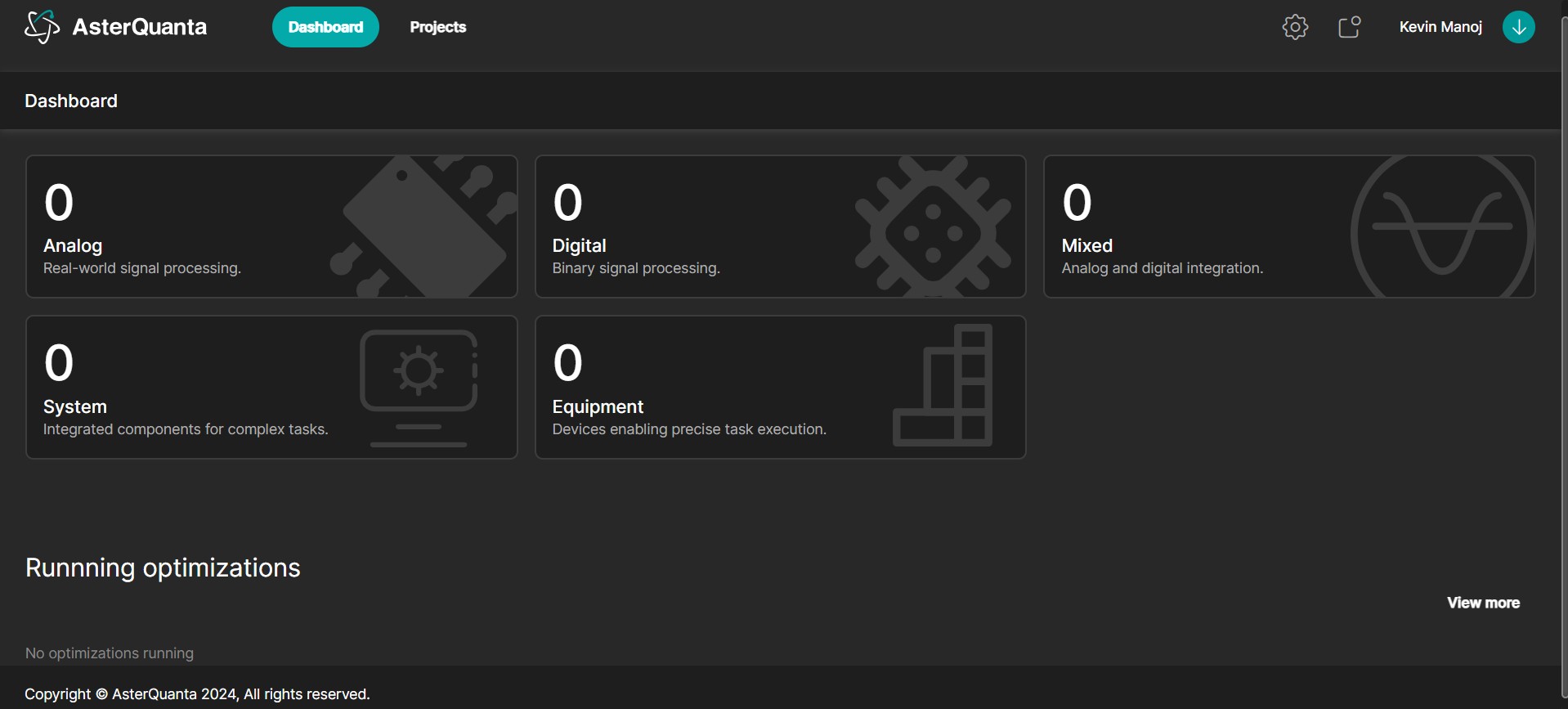
- The Dashboard provides an overview of the various projects you have created grouped by the type of project viz., Analog, Digital, Mixed, System, Equipment
- Clicking on the Project type takes you to the My projects Listing page
note
Currently Analog is the supported circuit type. The others will be available in the future.
Running Optimizations
- In the Dashboard page you will also see the list of optimizations that you have initiated
- By clicking on any of the running optimizations, you will be directed to the Genie tab inside your circuit
- Once in the Genie tab, you can view the Chart or Stop the Optimization