Sign In & Forgot Password
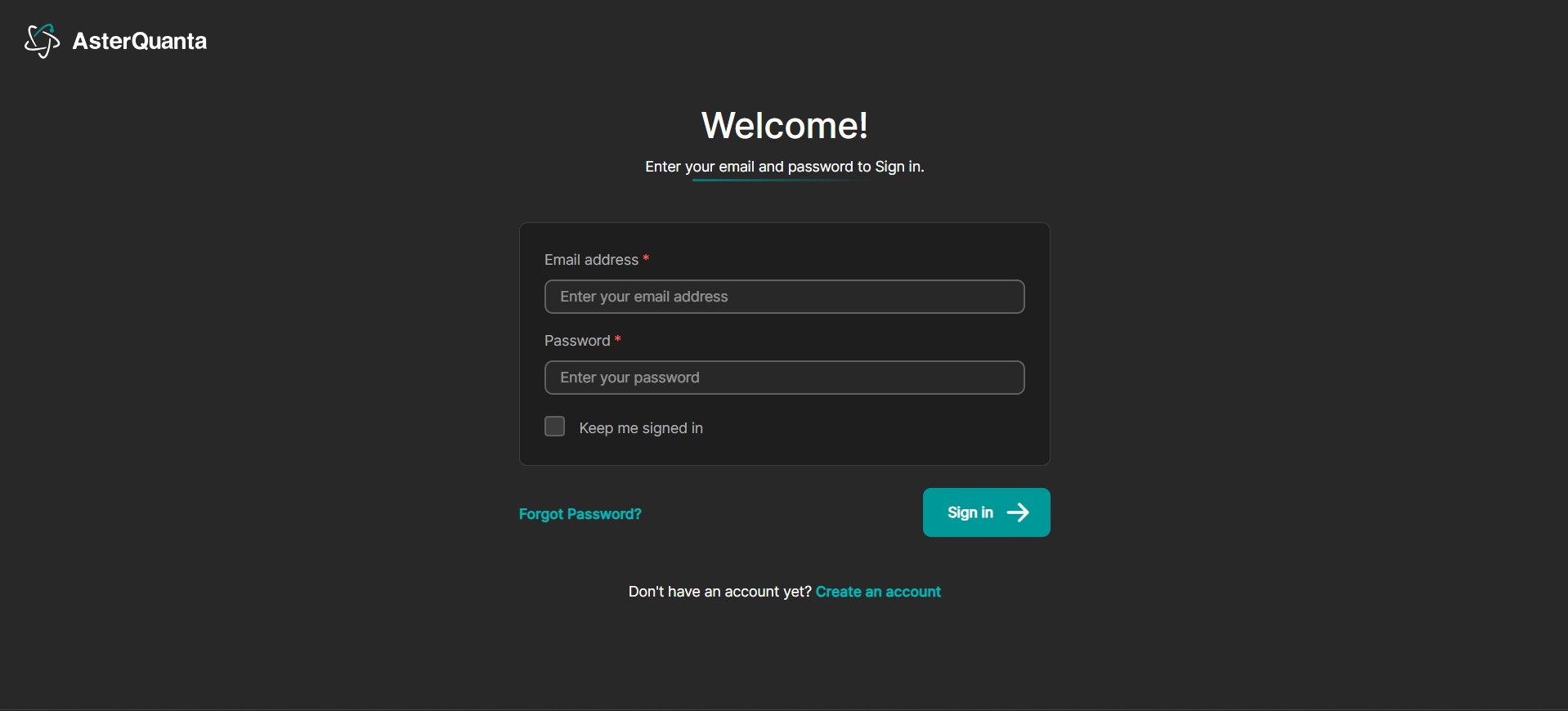
Sign In
- Go to the Sign In page
- Enter the Email Address and Password you provided during Registration
- Click on the Sign In Button
- You will be signed into the Genie platform and the Dashboard page will show up
Forgot Password
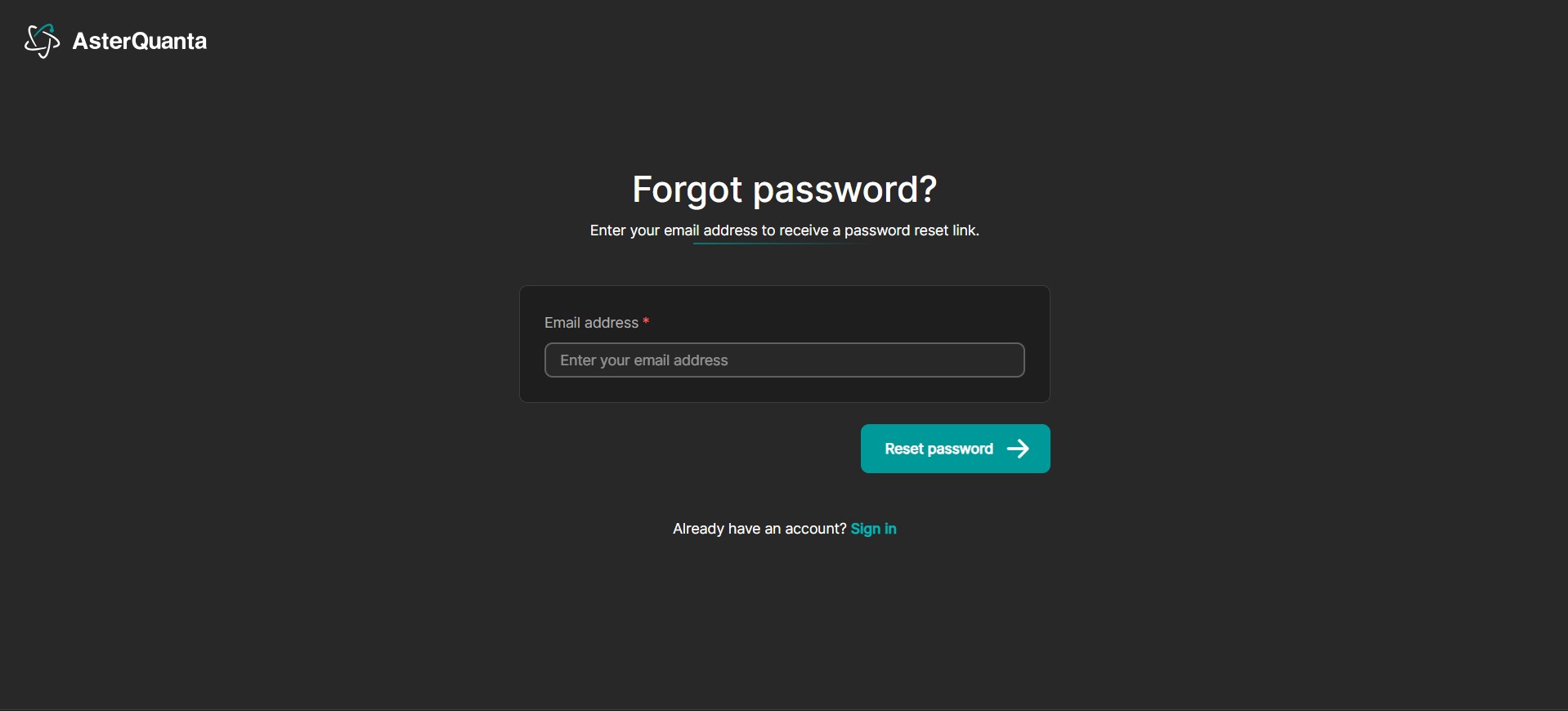
- In case you do not remember your Password you can click on the Forgot Password link in the Sign In Page
- Provide the Email address you registered with and Click on the Reset Password Button
- You will receive an email with link to reset the password
- Follow the instructions and you will be able to reset the password
- Once your password is reset you can sign in using the new password