Profile and Logout
User Profile and Logout
The User Profile section allows you to view and manage your personal information and preferences within the platform. It gives you control over your account settings, project history, and display preferences.
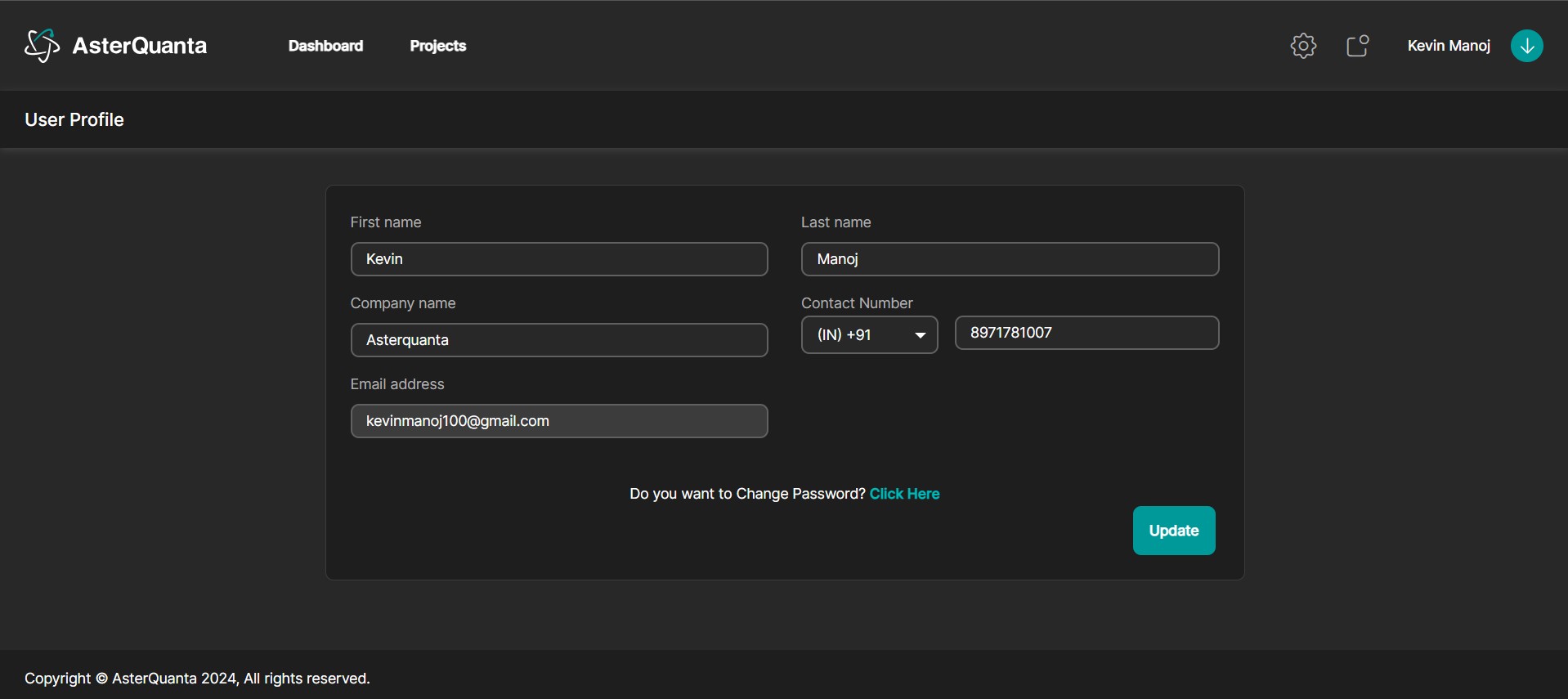
User Profile Features:
- Profile Information: View and edit your name, email, and organization.
- Password Management: Change your password securely.
Logout
Use the Logout option to securely sign out of your account and end the current session. This helps protect your data and prevent unauthorized access.
Tip: Always log out after completing your work, especially on shared or public systems.