Getting Started
Get started by Registering to the Genie platform.
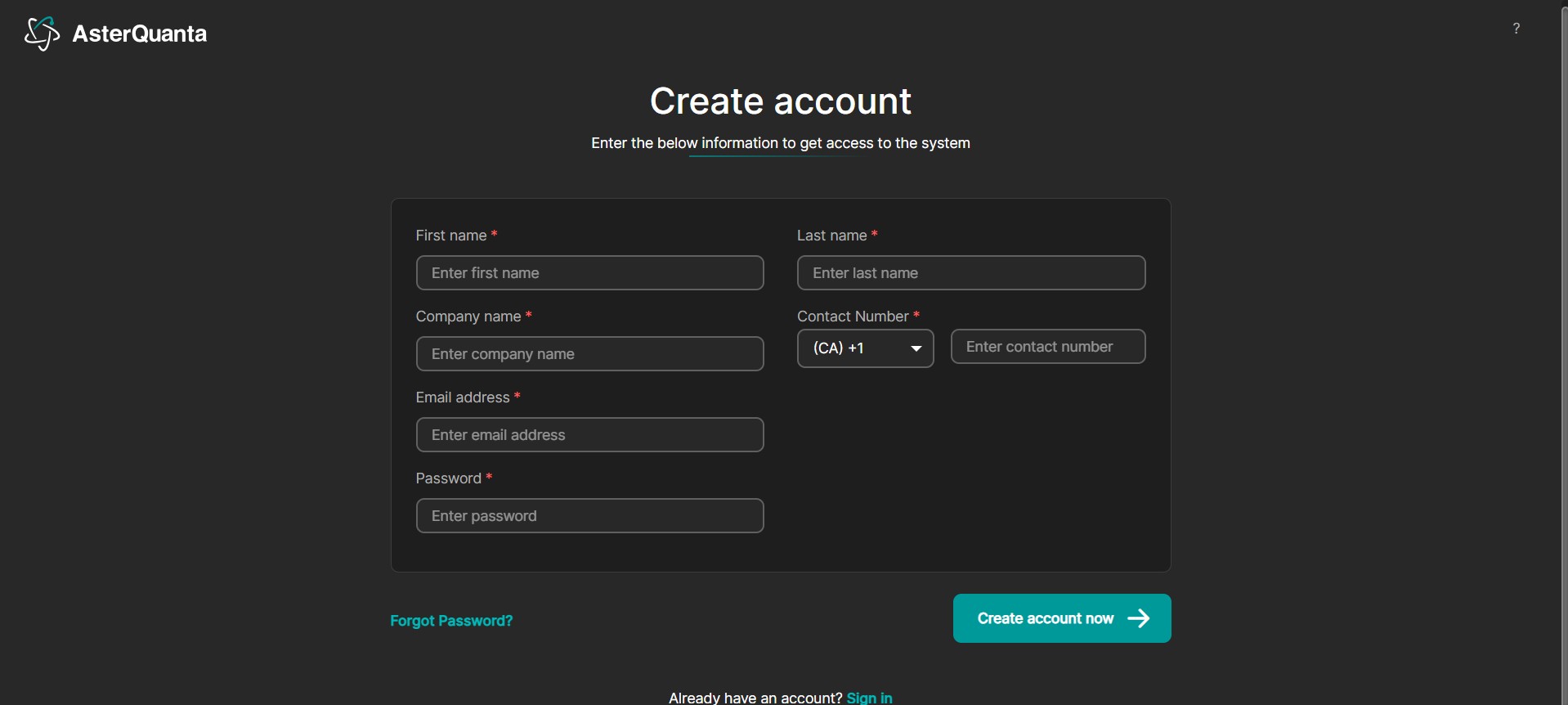
Registration
- Go to the Registration page
- Fill in the details and click the Create Account now Button.
- Make sure you have provided a valid Email address while registering
- You will receive a verification email to the above provided address
note
Sometimes the verification email can end up in the spam folder. So, if you do not see the email in your inbox, check in the spam folder and mark it as Not Spam
- Click on the Verify Link in the email to verify your email.
note
The Verification link has an expiration time. In case you click after the link has expired you will be able to resend a new link. Check your email for the new link and then you should be able to verify your email.
- With that, your registration process should be completed and you can login from the login page