Transfer Learning
Transfer Learning allows you to transfer knowledge from one agent (source model) to another (target model). This provides the new agent with a strong starting point, reducing the time and effort required to train or optimize it from scratch.
Step 1: Search for the Source Model
Begin by searching for the model from which you want to transfer knowledge.
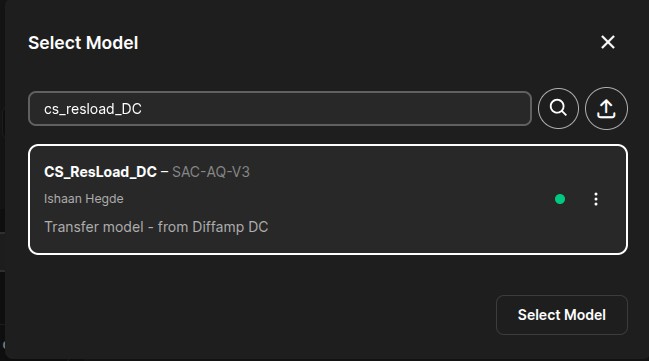
Step 2: Open Model Details
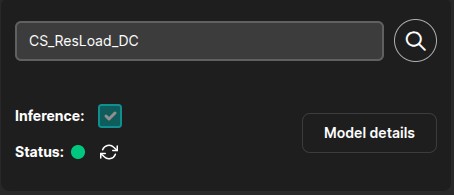
Once you have selected the desired model, navigate to the Model Details page. This page contains all the configurations and information related to the selected model.
Step 3: Initiate Model Transfer
Click on the "Initiate Model Transfer" option to begin the transfer learning process.
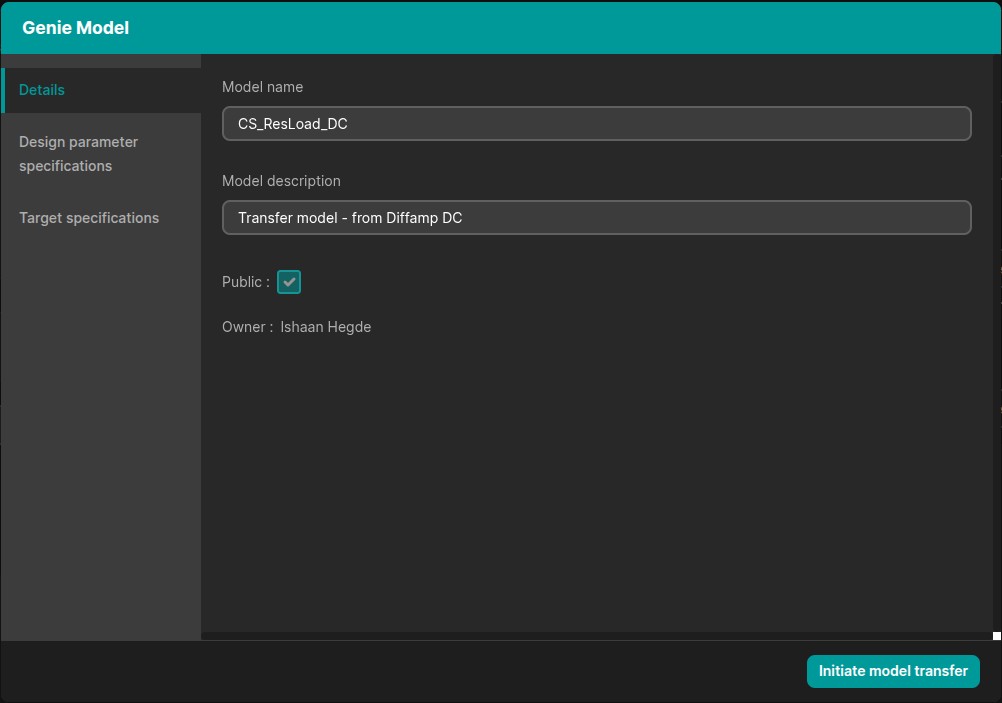
Step 4: Create the Target Model
Enter a name for the target model. A new model will be created based on the selected source model.
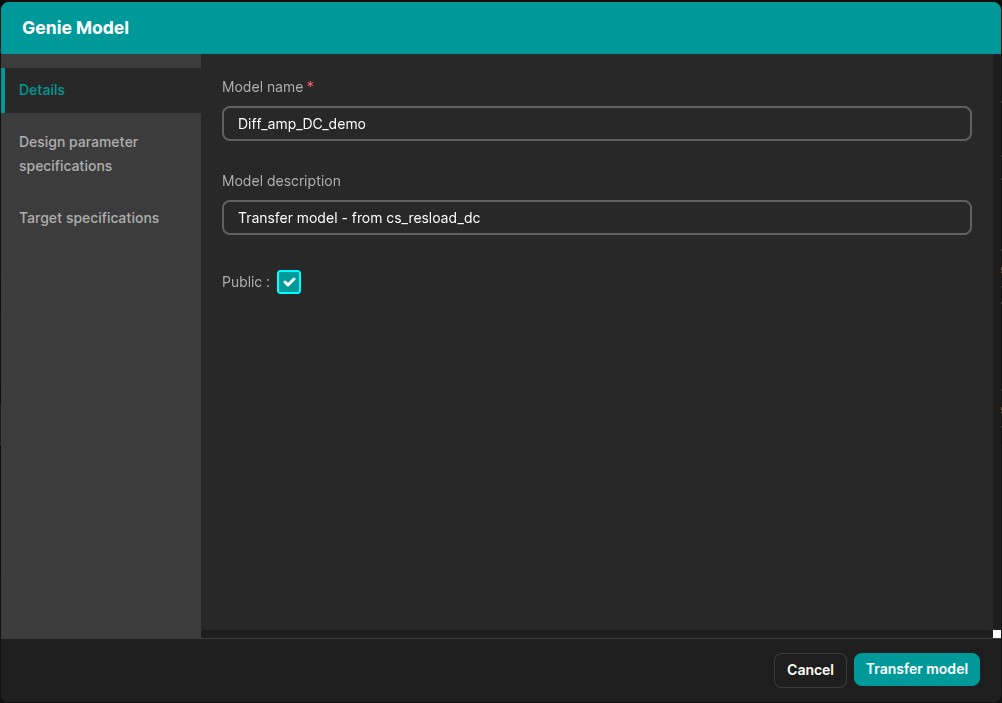
Step 5: Review Design Parameters
Navigate to the Design Parameters section. At this stage, you will observe that parameters from both the source model and the target model are present.
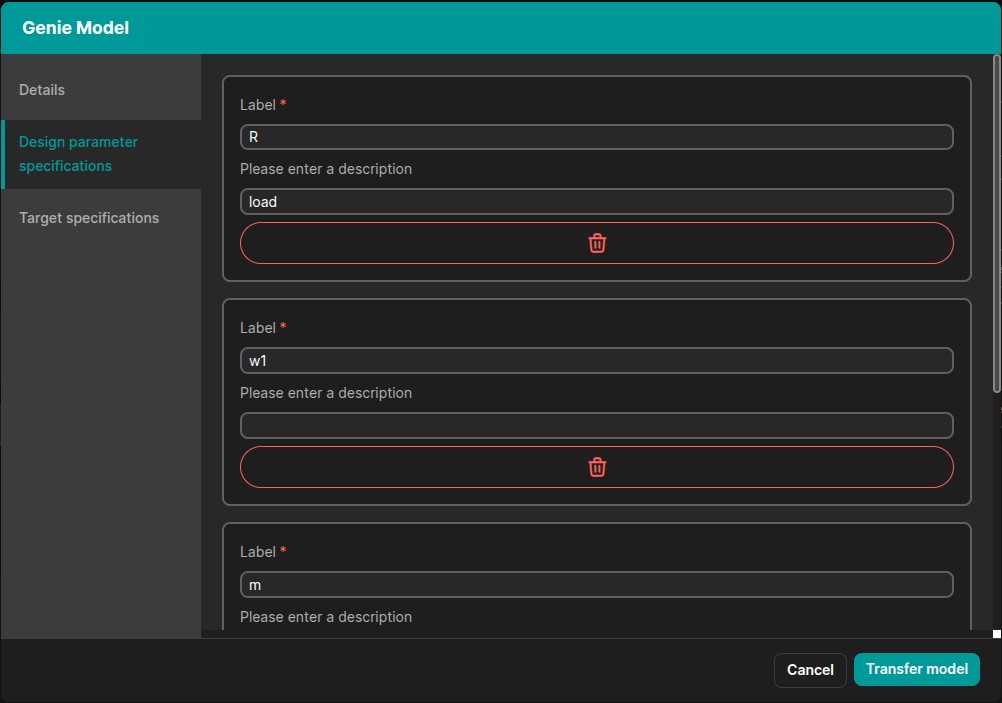
Step 6: Remove Source Parameters
Delete all parameters that belong to the source model, keeping only those relevant to the target model.
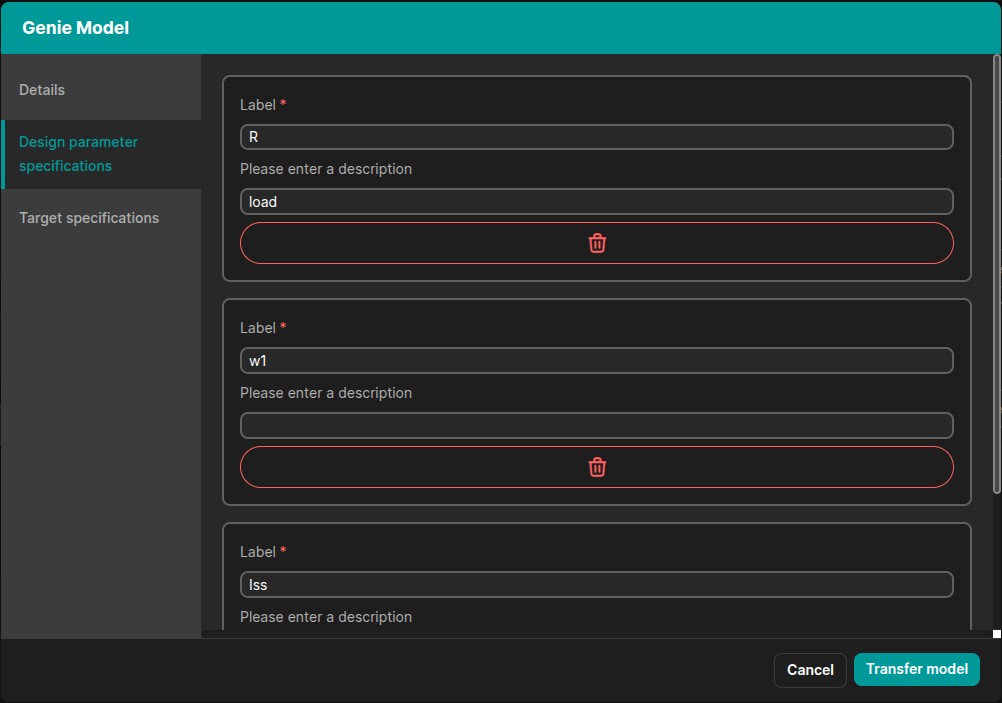
- If there are common parameters between the source and target, they will not be duplicated.
- Only a single instance of shared parameters will be present.
Step 7: Go to Target Specifications
Navigate to the Target Specifications section.
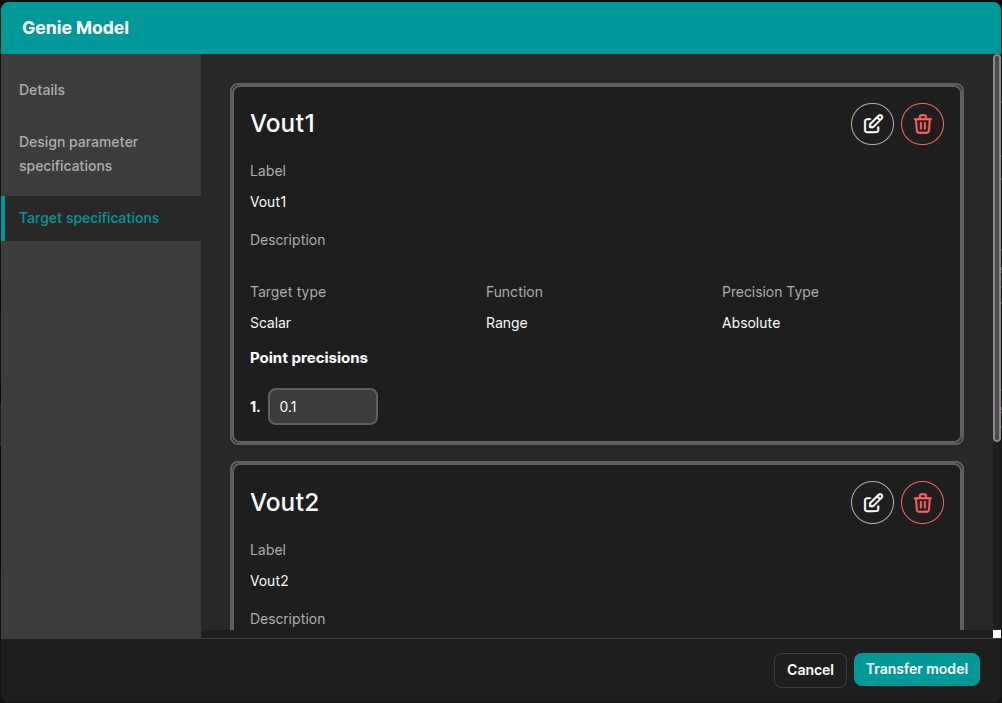
Step 8: Modify Target Specifications
Remove all specifications that belong to the source model. You may also adjust the precision values if required. Ensure you save any changes made.
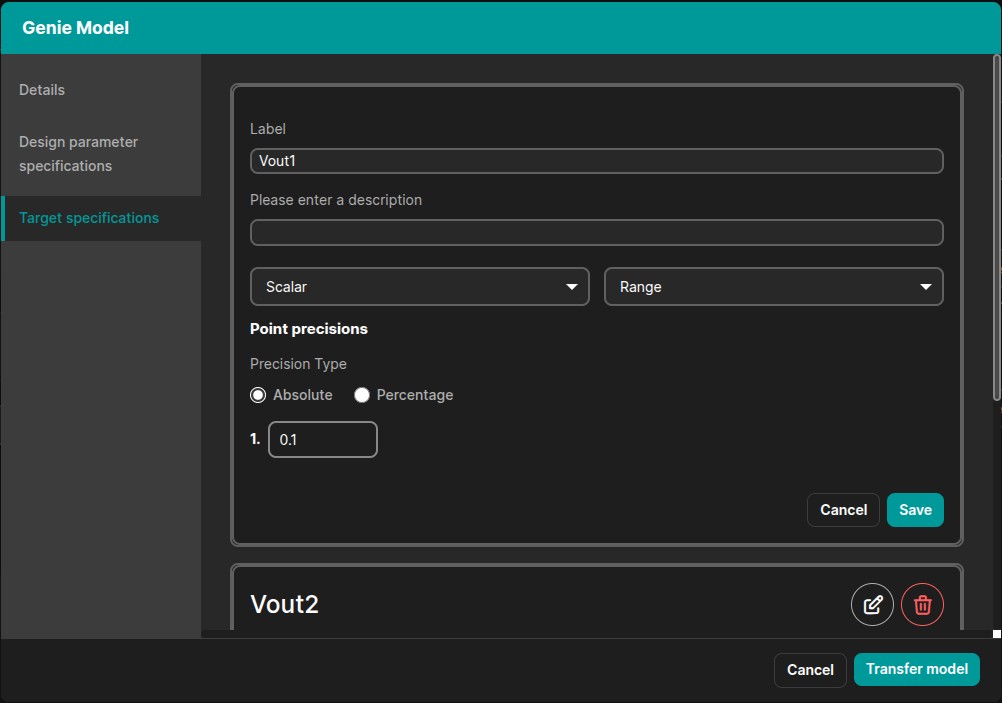
Step 9: Transfer the Model
Click on "Transfer Model" to finalize the transfer learning process.
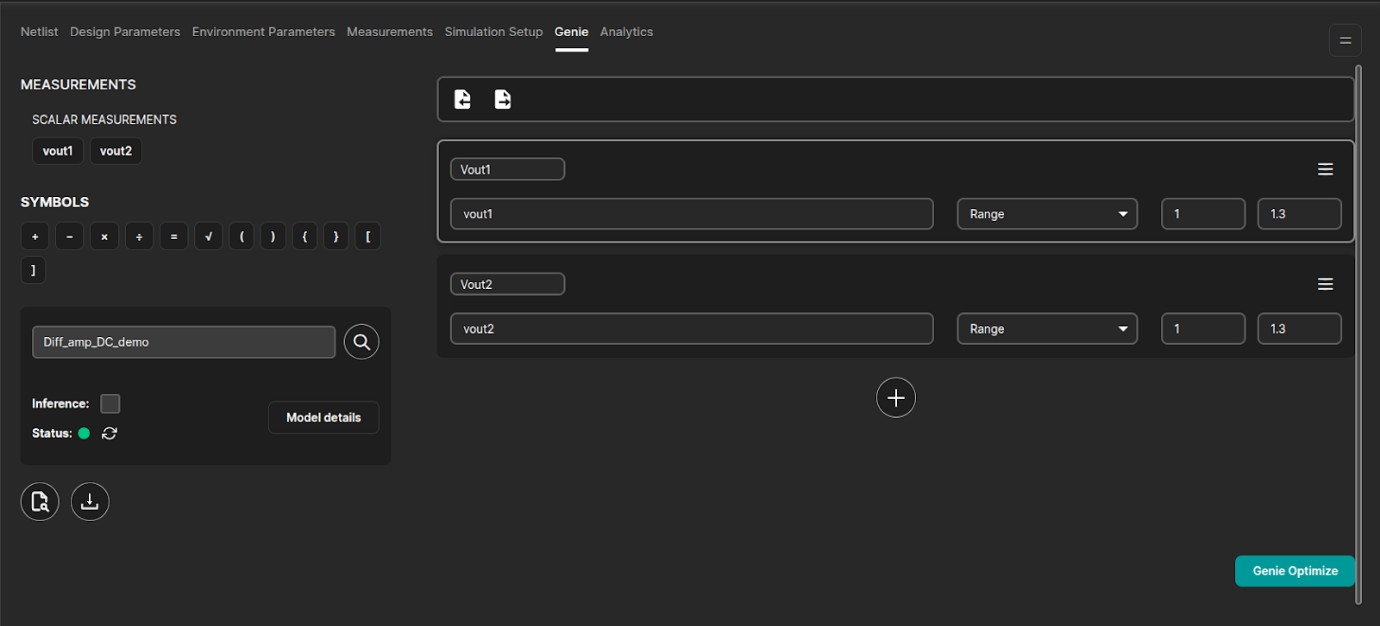
Step 10: Refresh the Page
After completing the transfer, refresh the page to ensure that all updates are properly applied and reflected.